JoyTumble
Mobile browser games: choose between taps, swipes and dragging
A game opening on a phone is only the first step. Choose controls that fit your screen: a pair of taps for sorting, swipes for a number board, dragging for shapes, or directional buttons for action.
JoyTumble editorial · UpdatedCompare before you play
| Game | Controls | Device |
|---|---|---|
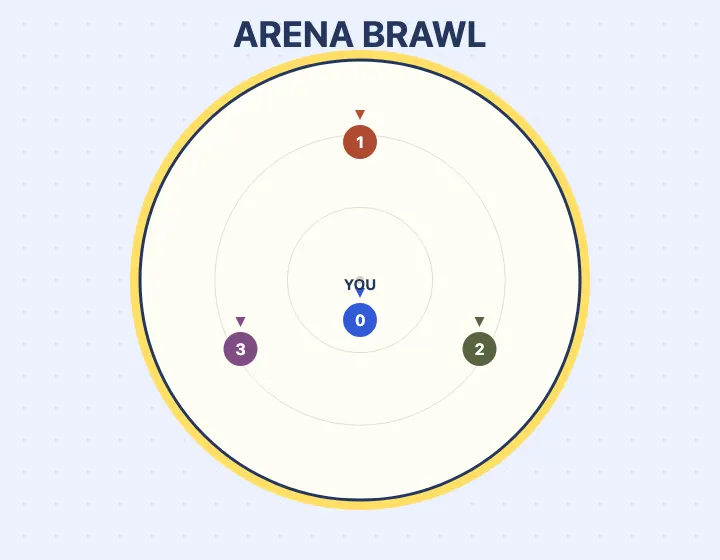
| Arena Brawl | Arrow keys or WASD move. Space shoves in your facing direction. Esc pauses. You can also hold direction buttons and tap Shove. Shift or Rush gives a separate movement burst. | Desktop & touch |
| Lipuzz - Water Sort Puzzle | Tap a source container, then a destination allowed by the game. | Desktop & touch |
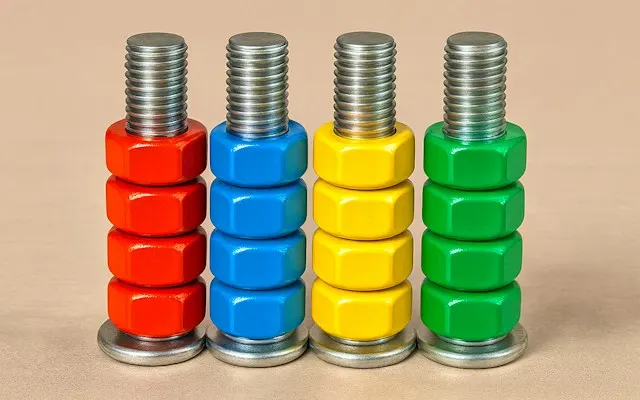
| Nut Sort Color Puzzle Game | Select a bolt, then a valid destination bolt. | Desktop & touch |
| Sudoku HTML5 | Select an empty cell, then choose a number. | Desktop & touch |
| TenTrix | Drag a shape from the tray onto empty grid squares. | Desktop & touch |
Taps: sorting colors or entering numbers
Lipuzz and Nut Sort use a source-then-destination interaction. Take your finger off the screen between selections so you can see the new top color. Sudoku HTML5 uses a selected cell and an on-screen number pad. Zooming the browser can change how much of a game fits on screen; try the player’s expand control if its targets feel cramped.
Swipes and dragging are different
2048 moves the entire board with a swipe, so aim within the game area rather than starting at the browser edge. TenTrix asks you to pick up a tray shape and drag it onto the grid. Your finger can cover the destination; check the shape’s alignment before releasing. A browser that scrolls the surrounding page during play may make these interactions uncomfortable.
Action games need room for both hands
Arena Brawl has directional controls plus separate Shove and Rush buttons. You move while choosing when to attack or dash, unlike a puzzle that accepts one tap at a time. The game pauses when you switch away. Returning to the page requires Resume; opening the same URL on another device does not transfer the round.
What the mobile label does and does not mean
These selections have been reviewed using Chromium phone-sized touch emulation. That is not a test on every physical phone or in Safari. Performance, screen orientation and sound behavior can still differ. The table links to each version’s controls; if a game does not fit your device, use the feedback link on its page and include your browser and device model.
Fullscreen, favorites and internet access
Expand may use native fullscreen where supported or enlarge the player inside the page. Favorites and recent history belong to this browser; clearing site data removes them. They do not save the game’s level or create an offline version. Third-party games require an internet connection and may display ads and their own privacy choices.
Questions before you play
Does “mobile” mean the game works on every iPhone?
No. The selections were reviewed in phone-sized Chromium touch emulation. Physical devices and Safari can behave differently. Use the controls and feedback link on the game page.
Why is the game larger but not truly fullscreen?
Native fullscreen depends on the browser. Where it is unavailable, the expand control uses more of the page instead.
Will a favorite restore my saved level?
A JoyTumble favorite saves the game link only. Level progress depends on the individual game and its own storage.