JoyTumble

Sudoku HTML5
Loads only when you choose to play.
Numbersnumbers Desktop & mobileyes

Loads only when you choose to play.
Select an empty cell, then choose a number.
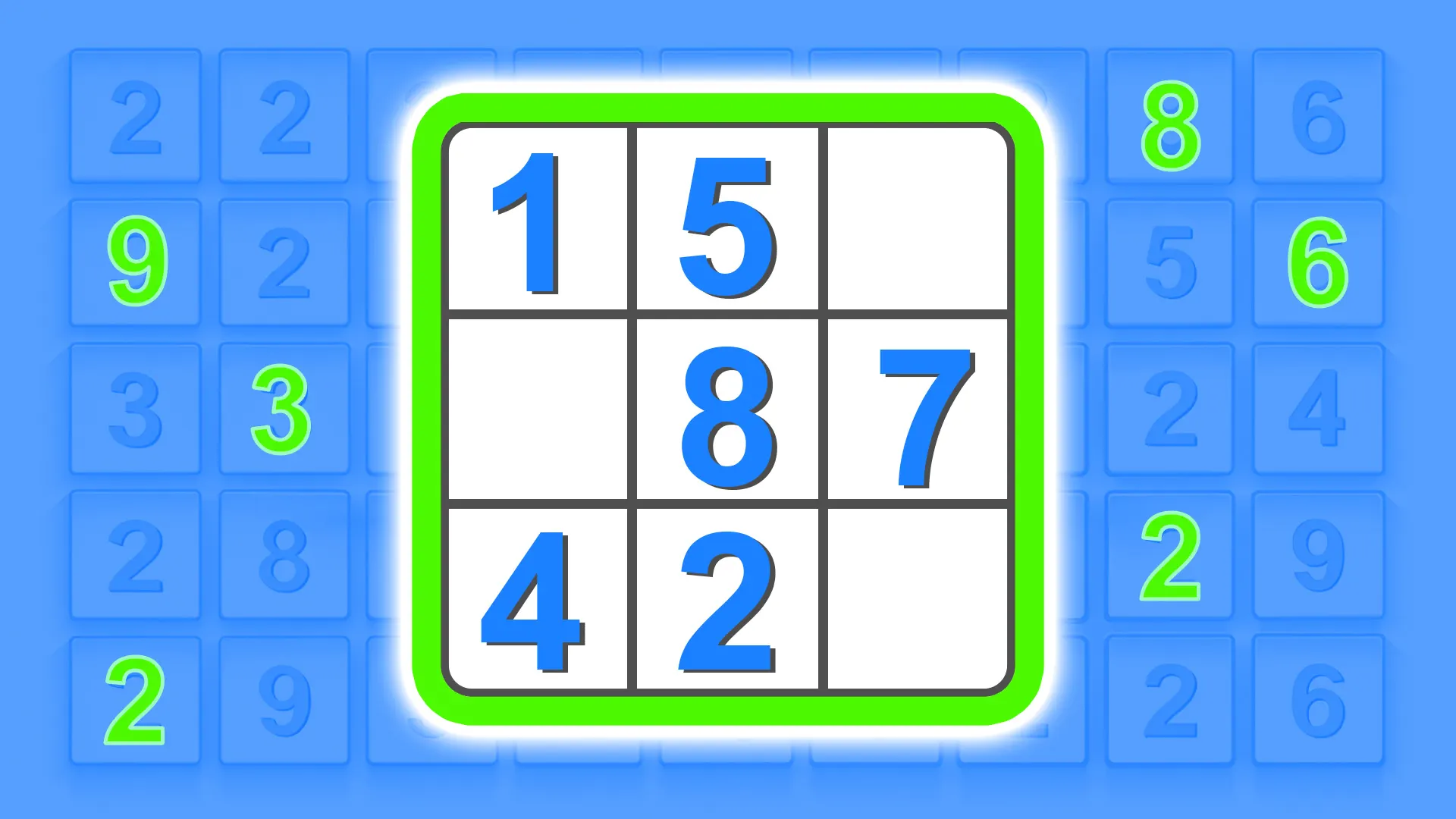
Choose Play and then Beginner to learn the interface. Select an empty square and use the on-screen number pad. The starting clues stay in place; your task is to fill the missing digits so that each row, column and three-by-three box contains one through nine once.
Pick a row or box with several clues already filled. List the missing digits, then check each empty square against its column. If only one digit remains possible, place it and recheck the neighboring row, column and box. A move that looks valid in one row can still conflict with the box.
The Undo control becomes available after an entry. Matching-number highlights can help you scan the board, but they do not replace checking all three constraints. If you lose track, revisit the most recent entry before making more guesses.
This version has an on-screen number pad and can be played with taps. Select the cell first, then the digit. Use the player expand control if the grid and keypad are too small to target comfortably.
The game may use a different language from this page. Check its settings.
Keep the good break going.