JoyTumble

TenTrix
Loads only when you choose to play.
Puzzlespuzzles Desktop & mobileyes

Loads only when you choose to play.
Drag a shape from the tray onto empty grid squares.
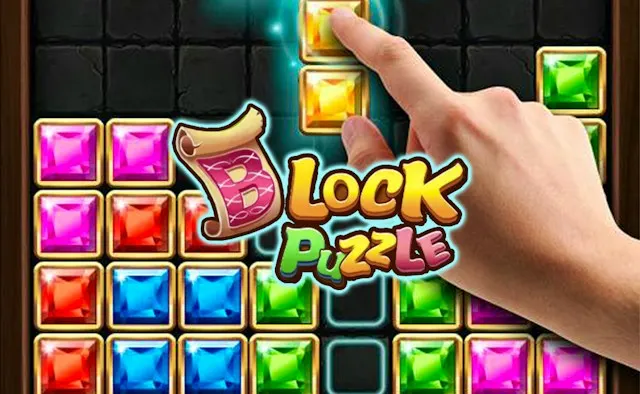
TenTrix offers three shapes below a ten-by-ten board. Drag one into empty squares. A placed piece occupies space immediately; completing a full line clears space. Look at all offered shapes before choosing where the first one goes, especially when a large piece needs a connected patch of empty squares.
A nearly full line can be tempting, but completing it is only useful if the remaining pieces still fit. Avoid scattering isolated single-square holes across the board. Reserve a larger open area and compare a piece against the actual grid before releasing it.
No. You place shapes from a tray; they do not fall under the controls used in Tetris. The version here is TenTrix. TenTrix Blast is a separate game with its own page and instructions.
Use a click-and-drag with a mouse, or drag a tray shape with your finger. Keep the target visible as you release. If the board feels cramped on a phone, try the expand control before beginning a long round.
The game may use a different language from this page. Check its settings.
Keep the good break going.