JoyTumble
My Parking Lot
Loads only when you choose to play.
Puzzlespuzzles Desktop & mobileyes
Loads only when you choose to play.
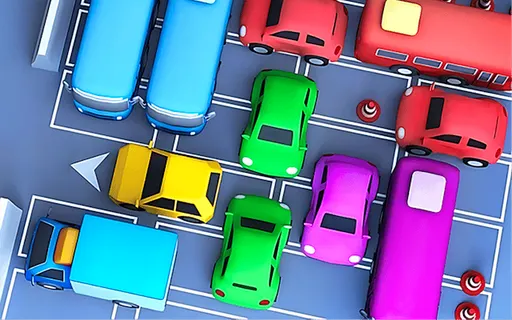
Click or tap the front of a car to send it out. Read the opening tutorial and check that its path is clear before choosing a vehicle.
The opening parking tutorial tells you to select the front of a car to let it leave and collect a parking fee. Use a click or tap as directed by the tutorial. This is a sequence puzzle: choosing which vehicle goes first matters more than steering with arrow keys.
Inspect the space in front of each car before choosing one. Start with a vehicle whose route is clear, then reconsider the cars that it was blocking. A newly opened gap may help several vehicles, so plan the next choice before tapping again.
Some parking games ask you to draw a route or drag a car. My Parking Lot’s opening prompt uses a tap on the car’s front. Read the current level’s instructions and indicators rather than importing controls from a similarly named game.
The page offers touch access, with the same tap-based tutorial. Screen size and browser can affect the controls. The JoyTumble favorite button saves the game link; it does not store the parking layout or earned in-game resources.
The game may use a different language from this page. Check its settings.
Keep the good break going.